 <Disclaimer>I will admit, first and foremost, that this review is a bit later than I would have liked. Since the time I started wanting to review the TED 1001, the 5000 has been released that offers a few major advantages. Mainly, bang for your buck. The TED 5000 allows you to upload power data to Google Powermeter, which gives real time power graphing, much like I had to hack together on my own on my website here. With all that said, let’s get on with it.</Disclaimer>
The TED 1001 is probably the first widely available whole house energy monitor device that allows someone to see how much power their home is using instantly (1 second time resolution). The display unit is accurate to 10W. Very few items in the house draw less than 10W when they’re on, so this will generally give you a pretty good idea what kind of power your home uses.
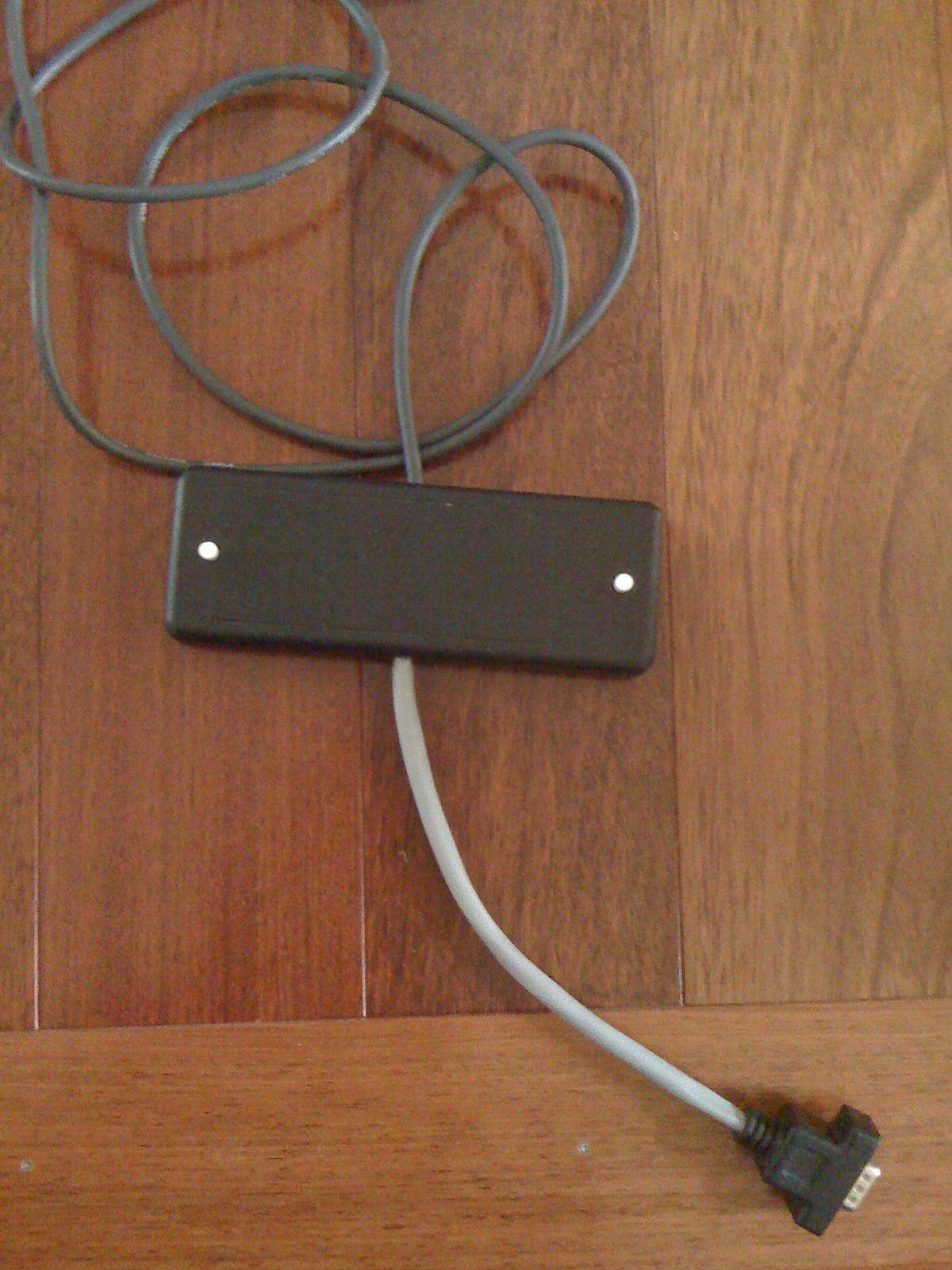
Installation of the TED is fairly simple, if not hair raising. The CTs have to be installed around the primary power feed for the breaker panel. Which, unless you have a master shutoff between the meter and the panel, or you pull the meter itself, means you’re potentially interacting with a 200AMP, 240V feed. But, you don’t actually have to touch those, and if you’re concerned, an electrician could do the job in about, 10 minutes, max. Once the CTs are installed, you hook those up to the MTU, and the MTU to a new breaker. The most difficult part of that is figuring out what phase to install the new breaker on, since it has to be the same phase as what the display is going to hook to. Which brings up basic home power…
Your home power is generally supplied by two 120V phases (why there’s the two big power feeds coming into your breaker panel). Combined, this gives us a 240V 2-phase system. If you look at a breaker panel, it kinda looks like two ladders on top of each other. One of these ladders is one 120V phase, the other is the other 120V phase. Normal breakers attach of just one of these ladders, and therefore supply 120V. Breakers for stuff like water heaters, stoves, HVAC, dryers, etc all connect to a “double pole” breaker, which connects to both ladders. So, you get 240V. So, those two phases that come into your house come from a transformer somewhere that breaks them out into single phase lines (power coming down the poles is much higher voltage, and usually 3-phase).
So, with that in mind, from breaker to breaker in your panel (going top to bottom on one side), you get alternating phases. So, when you go to plug in your MTU to a new breaker, you have to figure out what phase the outlet you plan to plug your display into is on. Otherwise, the MTU talks to the opposite phase, which goes out to the street transformer and then crosses to the other phase and comes back to the Display. Potentially hundreds of feet. This is bad. You can get a phase coupler that goes into your panel, or plugs into a dryer outlet, but it’s just easier to hook it to the right phase.
Once that’s all done, you can turn on that new breaker, and plug in the display. You should start seeing good data once you configure the TED display. It’s pretty cool all and all.
All things considered, if the 1001 was the only option from TED (assuming the 5000 was not yet released), I’d say BUY ONE! They’re a wonderful tool to figure out where and when you’re using power. If you want more specific power usage, pick up a Kill-a-Watt. You plug individual 120V items into them, and they’ll tell you how much power they’re using.
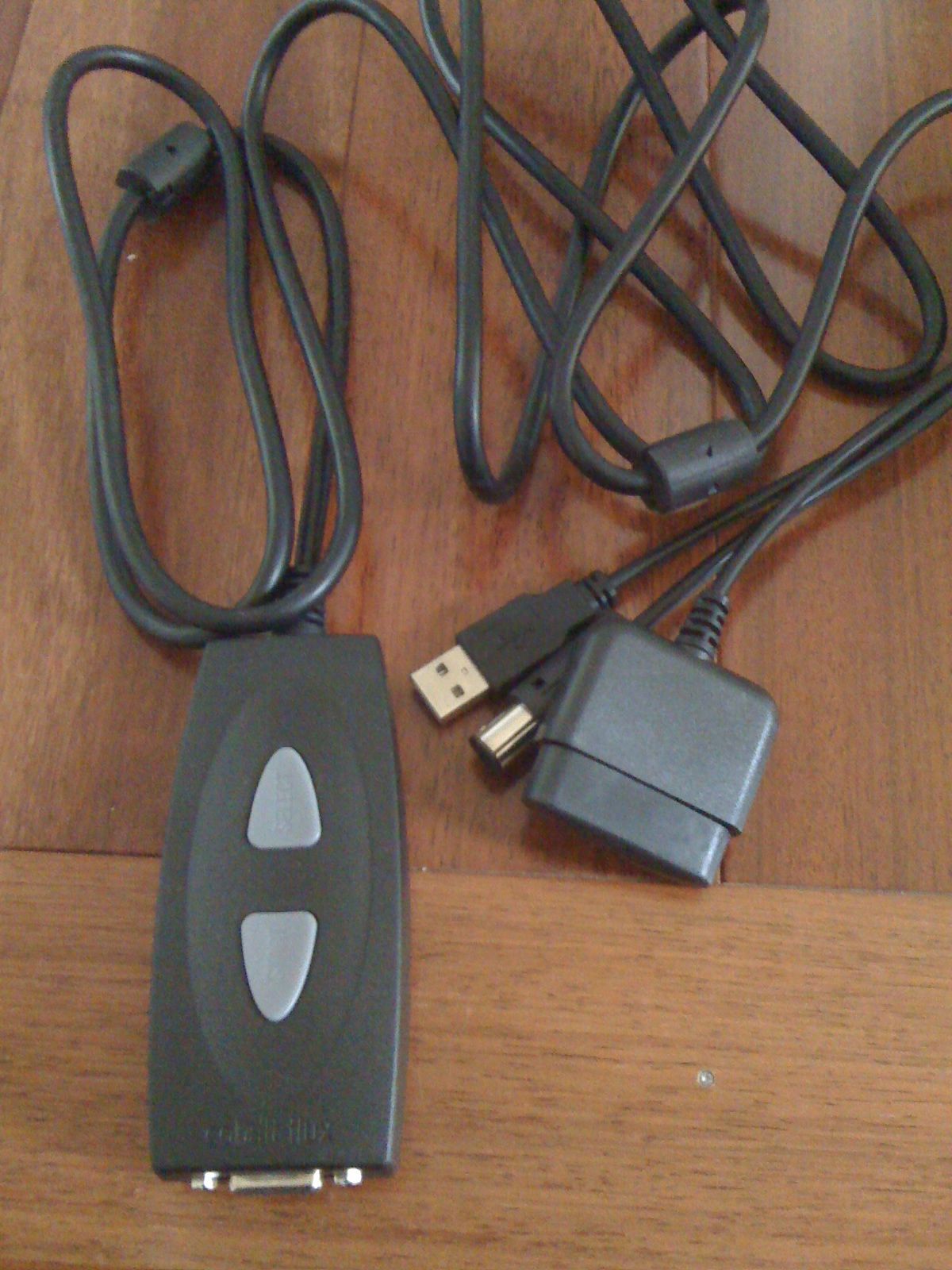
My biggest complaint about the TED 1001 is the cost of unlocking the USB port on them, $45. Thats even if you don’t use their software (which I don’t, I just use a Python script written by someone else).
[xrr rating=4.5/5]That .5 deduction is simply the cost of the unlock, mixed with how poor the software is (windows only, doesn’t help).
Here are some links of interest:
-TED 1001 Purchase : http://www.theenergydetective.com/store/teds/ted-1001.html
-Google Power Meter: http://www.google.org/powermeter/
-Energy Circle (great website about energy usage): http://www.energycircle.com/
-Youtube video showing install of TED 1001: http://www.youtube.com/watch?v=bgcvvJPX46M
-Python Script to poll TED: http://www.staze.org/static/code/scripts/ted5.py (local mirror: http://www.staze.org/static/code/scripts/ted5.py)