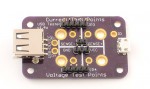
 I have been looking for an easy way to monitor USB voltage and power used by devices, and while there are numerous cheap usb inline adapters to do this, and a few people that just show how to cut a USB cable so you can probe the lines, I thought both of these seemed a bit weak. Then, looking around Tindie.com one day, I found the USB Tester 2.0. It’s a very simple PCB, and some pin headers. The advantage is it provides easy voltage/current monitoring, but also provides an easy way to probe the data lines with a scope. Plus, it isn’t ugly (like a hacked USB cable would be).
I ordered the “kit” on a Friday (along with the Plexiglass base), and it was shipped from California the same day. Somehow USPS opened a wormhole, and I got the kit the next day (Saturday). Assembly was extremely straight forward via the instructions here. Took maybe 5 minutes, at most (including time for the soldering iron to warm up). Initially, I was a bit confused by the pin header holes being a bit offset from each other, but it seems to was done on purpose to hold the pin header in place for soldering, which is awesome.
Anyway, once assembled, the units work as expected. The only problem I’ve seen is that the 4mm “jacks” are a little smaller than 4mm, it seems. My dual banana plugs don’t quite fit fully. I’m actually thinking of installing some real jacks on the unit, so things will fit, but I am not sure they’ll fit very well, or not block the rest of the unit. =/ Hopefully I’ll figure something out, as I’d like to be able to use banana plugs without worrying about ruining the PCB holes.
All and all, very happy with the unit. It does what I wanted it to do, and maybe in the future I’ll buy the OLED “pack” that basically makes the unit self-contained and won’t require a meter.
[xrr rating=4.75/5]
 In 2006, work purchased a Mac Pro for me. At the time, and for years after, it was a great machine. Since its purchase, I had upgraded the CPUs, the GPU, and done everything I could to keep it chugging along for as long as possible, partly because of the ever present rumors for the last several years that Apple was just about to release a new Mac Pro. Then, finally, late last year, they finally did, and obviously it was a pretty large change from the previous Mac Pro. So, as my Mac Pro approached 8 years old, my boss ordered me a new Mac Pro, with the price understanding that a fully tricked out iMac every 3 years would amount to about the same cost as this machine. Hopefully that proves to be true. =)
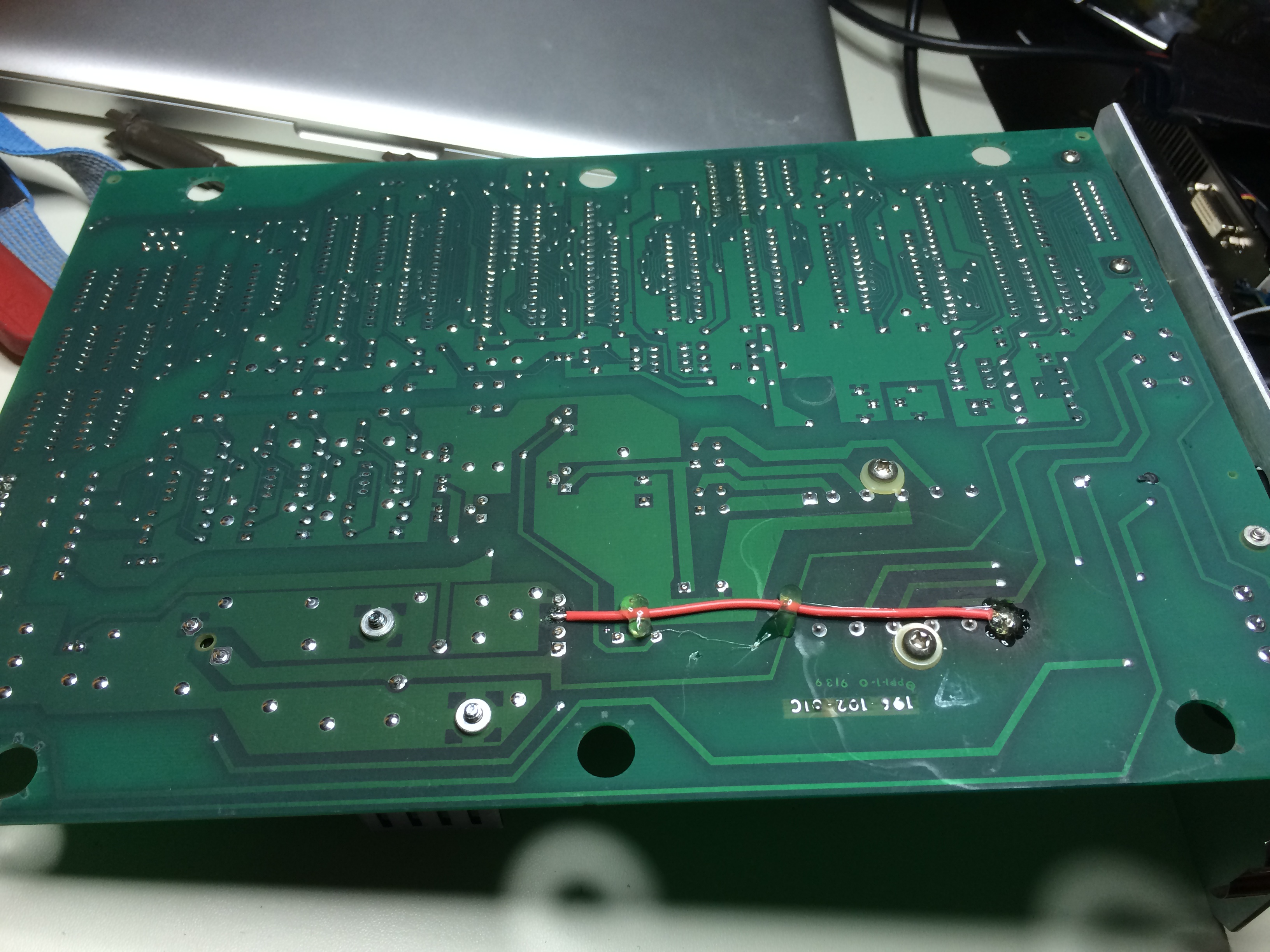
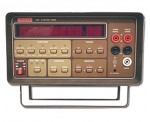 I recently acquired another Keithley 196 off eBay that was listed as not powering on, which, could be a lot of things, but hopefully was related to the power supply/rail infrastructure (thinking, most likely the digital logic 5V regulator, primary filter cap, etc).