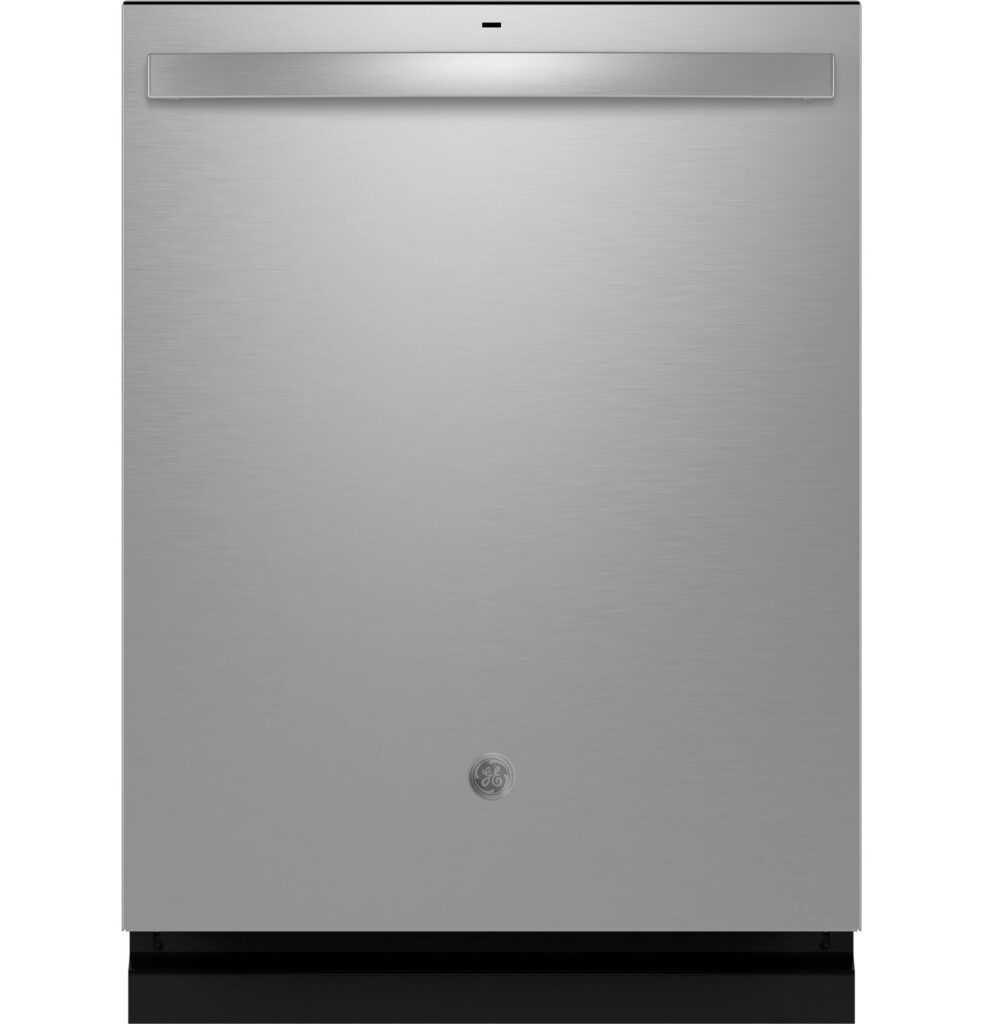
About 7 years ago , I replaced all my kitchen appliances with GE models. Was mostly so they all matched. I haven’t been overly happy with the fridge, but the dishwasher has been fine, and the stove was really the only option for a slide in with dual ovens (and range top).
The dishwasher is a GDT695 model. And until about 9-12 months ago, worked great. Then it randomly started waking up every 30-60 minutes like someone had opened the door (making the little chime, and the lights on the control panel would light up). The other symptom is the green light on the door after a cycle complete wouldn’t stay on. But, cycles always completed.
There are several threads online (reddit inparticular, but also reviews for this model and the GDT655, etc) about issues like this. This one, or another where you have to power cycle the unit (flip the breaker for many people) to get it to power on are the most common (just a few I found with 60 seconds of googling):
- Fix for many GE dishwasher problems with control board, UI board, current sense module
- GE GDT655SSJ0SS dishwasher
- GE – GDT655SSJ5SS
- GE dishwasher not powering on
- GE Dishwasher model GDT655SSJ5SS has no Power
I pulled the main board and checked it over… everything was fine. No cracked solder joints, no swollen caps. Good as the day it rolled out of the factory. There’s some indication that a firmware update could fix the issue, as well as a new UI board. But several people say the UI board fails again after some amount of time.
I emailed GE customer care, and support, asking for help. Trying to get a firmware update provided (module to plug in to update the firmware). One time I got a discount code and membership to their insider site (for a discount on a new dishwasher). But most of the time, I got nothing other than “schedule a service, it’s $109”. But, didn’t really want to pay that for a firmware update that may or may not fix the issue. I can replace the UI board on my own, but I want to try the firmware update first.
So, I kept checking occasionally for other options, or hoping my google-fu would find something different one time. All I kept coming up with was the service adapter for SmartHQ Pro: https://www.smarthqpro.com/service, the WX05X15005. So, ask GE to provide me one… “we can’t order that as it’s a service tool”. =( But, some more google searching lead me to an ebay listing for a PBX23W00Y1 from someone selling and saying they used it to fix their dishwasher. I hit them up over ebay contact, and they said they had a GDT655 that wasn’t turning on without a power cycle (oooh…). The GDT655 is same generation as my GDT695, and both show ZERO information on GEs site indicating they are wifi compatible (I know it doesn’t have built in wifi, but there’s no info if they work with a module either). After talking to the seller a bit, I bought the unit and waited.
It showed up after a few days, and having pulled the main board previously, I knew you remove the kickplate, and the RJ45 jack is pointing down in about the middle toward the front (right next to connector that I think runs up to the UI board in the door). Power the dishwasher back up, and then futz with trying to get the thing connected to wifi. Turns out, seems like you have to hold the button on the module for about 3 seconds until main LED starts flashing. Don’t hold it longer than that though, or it goes into some other mode. Adding to app, I think I hit dishwasher, then Profile, then I think there was some other button to say “module”. Lastly you give it the last 4 digits of module’s wifi network, then password. Then just a matter of telling app it has permission to join wifi. After that, seems to take a pretty long time to connect to wifi, then connect to GE’s cloud service.
Once it showed up, I immediately went in, and tried saying “software update”, which greeted me with “no updates available”. Uh oh. It showed version 0.0.0.0 (which, by itself isn’t a red flag since my GE Fridge, which has native wifi, also shows this. =/). So, kept poking around, and after about 3-5 minutes, the app pops up a big UPDATE AVAILABLE. Awesome. Hit go, and it says it could take 30 minutes. Door light starts blinking green, I leave my phone, and start doing something else (baiting for ants, in my case… yay Spring). After about 20 minutes, light stops flashing, then a couple mins later, app says “Update Complete”, and software version now shows 1.0.4.248. Serial shows up, model shows up, looks like it has ability to send notifications for cycle complete, and possibly trash dishwasher pod inventory (that’s kinda cool?). It might also offer some diagnostics after the dishwasher runs several cycles. I did decide to keep the module installed. It’s got some magnets on it, so I just stuck it on the left side (when looking at the front of the unit) as best I could. It didn’t seem to interfere with the sound dampening insulation much.
More importantly, after several hours, no wake up sounds and control panel lighting up. And… green light stays on after cycle complete! I let GE customer care know this outcome (last communication with them they said they had refurb UI boards if I was interested). I asked them to keep the ticket open until I tried to module (which, they didn’t seem to think would work since the dishwasher doesn’t indicate it’s wifi ready or compatible).
So, long story short, if you have one of these dishwashers (the GDT695 or the GDT655), and it’s experiencing issues like not powering up when you open the door (without flipping the breaker off and on), or wakes up randomly (and you’re relatively confident the door switch is okay), would pick up one of these wifi modules (PBX23W00Y1) from GE’s site (they’re 45-50 bucks, depending on if there are any sales or free shipping) and get it wired up. Worst part of the process is the App, and laying on your side to get the kick plate off and insulation out of the way to access RJ45 jack. Then remember once you get it powered up1, and added to app, give it a little time to figure out there’s an update.
Good luck!
- Definitely recommend powering off the dishwasher prior to attaching the module. While it’s probably fine, this isn’t an ethernet connection, it’s 9V I believe, and may not be as “hot plug” designed as an actual ethernet connection. I saw at least one instance of someone bricking their dishwasher hot-plugging the module, but that may have been due to the unit having built in wifi as well. Also, if you’re going to update the firmware on the dishwasher, not a terrible idea to give it a “reboot” just prior. ↩︎

Brian Kearney says
Thank you for posting this! I have an 8 year old GDT695 that exhibited the same symptoms: random beeps and clicks; power being on all the time; no green light after completion; and finally, having to unplug the power and let it sit anywhere from 30 – 60 minutes before it would run. I figured it was the user interface, and called a repairman. He charged me $125 to listen to my diagnosis, and agree with me (without checking anything). Then he quoted the new display at $200, plus $175/hr to replace; basically telling me it would be cheaper to buy a new one. I found a few Chinese knock off parts for around $50, but I wasn’t sure I wanted to try and take off and replace the door. Then I found your post. I got a mirror and light, felt around and found the Ethernet port. I ordered the module, and after fooling around with for a while to connect and download the update, the app came back with “UPDATE COMPLETE. You have a happy appliance.” Yes, that is what it said. That has been a week, and the dishwasher is working completely normal. Thanks again, you saved me a few hundred!
staze says
Awesome to hear it! Mine is still working flawlessly since (4 months later). After a little bit it started reporting on usage, and it does keep track of pod inventory (which is kinda neat). I haven’t seen any firmware updates since, but just glad it works. =) Thanks again for the comment! I really hope this helps everyone. =)
Leo says
After months of debugging and handwashing dishes, we were very close to giving up. Coming across this post was a turning point. Our dishwasher is a GE GDT655. After the firmware update, It’s been working for a week now without us messing with the breaker. Some details below:
– Before the update, our dishwasher would work for about a day after weeks of powering down with a breaker reset. After a day or less, it would get confused and stop working.
– Recently, I used that opportunity when it came back on to perform the update described in this post (this is in Sept 2025). I don’t know it would do the update if in that confused state. My guess is yes based on other feedbacks.
– Note the app main page, upper right corner has a ‘+’ to add a new appliance
– The connect module ran a software update first to get version 0.2.12.37
– Then the dishwasher ran the update to get version 1.0.4.249
– The updates ran up to 15-20 minutes based on my setup including the broadband speed
To Staze: your post is very much appreciated for playing a key role in keeping my dishwasher out of the landfill.
staze says
Awesome to hear! Yeah, GE really needs to provide people with these… maybe even just a loaner one they could send out to people to run the update. =/
Nida Holliday says
Thank you for this post! I am not sure if my DW (GDT655) symptoms exactly match up to the ones on here but my DW was beeping randomly for a few days and then one morning it just was DEAD, as if there was no power to it. We have tried everything – resetting the breaker, pulling out the control board, reconnecting the power, etc. I even bought a used control board from eBay but unfortunately it wasn’t compatible – one harness pin was too small on the board.
I have been looking at new DW but now after coming across this post, I am very tempted to try this. I will check out eBay for anyone selling the control module.
I will be sure to provide an update after!
Nida Holliday says
Before I buy the control module, I had a question: I never saw a green light blinking after removing the kick plate.
Would this control module software update method still work?
Thanks in advance!!
staze says
Hi Nida. I don’t believe I ever saw blinking light on the control board. I can say I think these dishwashers had some issues with the firmware that clearly were fixed with the update. So I’d say go ahead and buy one and see… $50 beats replacing the dishwasher. =)
Let me/us know!
Zach says
I have a GDT655SSJ4SS. I was trying to update the software and couldn’t get the connect module (PBX23W00Y1) to work in the app. I called GE support and they said that the dishwasher was not Wi-Fi compatible… So I connected the module to my refrigerator and it worked fine, it updated the Wi-Fi module software to 0.2.12.37. Then I connected it to the dishwasher again and it worked! I was able to update the dishwasher software to 1.0.4.248. Time will tell if it fixes the random beeps and don’t believe GE support!
staze says
Hey Zach. Sorry for delay, did you get this working?