Everybody Staze...

Nobody leavz...

  • Home
  • About Me
    • LinkedIn
    • Lab
  • Contact
  • Links
  • Reviews
  • Sitemap
  • Weather
You are here: Home / 2013 / Archives for February 2013

Archives for February 2013

Junghans Stopwatch

2013/02/18 By staze

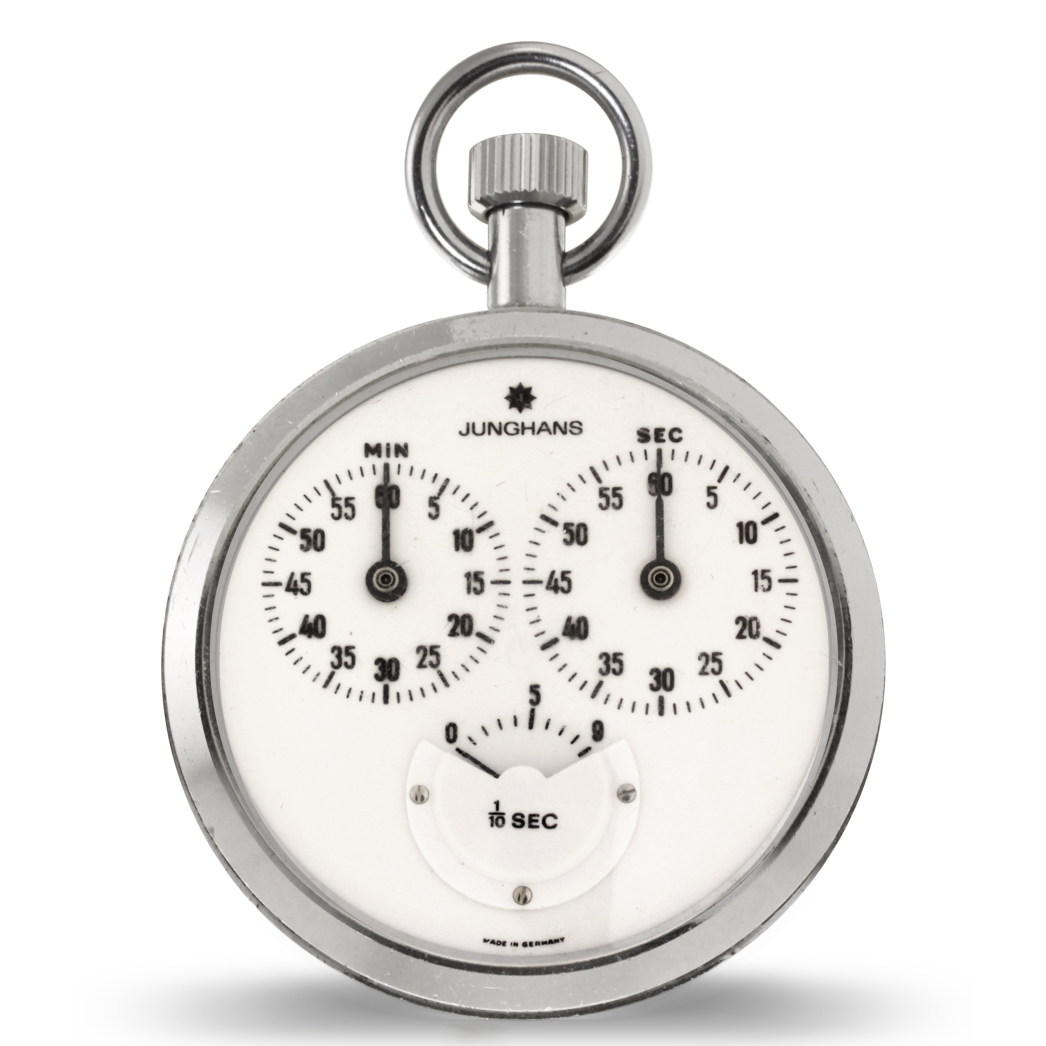
JunghansSeveral months ago, I read a review by Ken Rockwell on the Junghans 1/10th second mechanical stopwatch here, and ever since then I’ve been intrigued. Ebay has a pretty consistent supply of them that go for anywhere from $25-150 (sometimes over $300). A couple months ago I lost an auction for one that was non-functional, but the last week, I won one for a mere $50 that the only thing wrong was the lens (plastic crystal) had come out. Well that’s easy enough.

After receiving it, it appeared to be in pretty good shape, though the lens couldn’t be self re-inserted. Luckily for me, and the reason I tried bidding on a broken one, and this one, is my wife works for a jewelry store that has a full time horologist on staff. So, she took it to work, and he was able to remove the back, then the movement, and reinsert the lens (needs to be put in that way, but also needs the flexibility, which is why it’s plastic), and said everything looked good (didn’t service it, since it seemed good) ((Did note the wells appeared a little dry, but nothing bad considering the age of the watch)). As a bonus, he put it into his fancy watch accuracy tester (not sure the technical name for this), and found it was only 8 seconds fast per day! That’s nearly Rolex accuracy (-4/+6 seconds per day) which is awesome for a 40-50 year old watch!

All and all, I’m extremely happy with the purchase. For those looking, the watch has 7 jewels (some sites indicate it’s 17, which is incorrect, that’s the 1/100th second watch). And if you’re really geeky, here is a mp3 of the watch ticking ((which according to the Foley artist at work, who did the recording, this ticking sound is relatively rare)). For additional info, check out Ken Rockwell’s review linked above. =)

[xrr rating=5/5]
Filed Under: Reviews Tagged With: Foley, Horology, Junghans, Stopwatch

Startech Gigabit USB3 adapter

2013/02/17 By staze

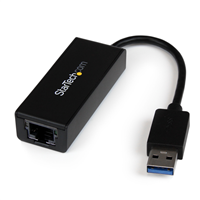
startech-usb3-gigabitI got a Macbook Air 11″ a few months back, and honestly, I love the thing. But one item does bug me… the lack of a network jack (wires are just faster than wireless still). Obviously I know why Apple didn’t include one: it would be thicker than the machine already is. Now, Apple makes a Thunderbolt to Gigabit Ethernet adapter, and a USB2 to 100mbit adapter, but the former is no use when you’re using an external display, and the latter is slow. So when I looked for a good option, the Startech USB3 Gigabit Adapter came up, and looked promising. USB3 has a theoretical limit of 5Gbits/sec (more than enough), and they have Mac drivers (obviously it would be nice if Apple had native drivers, but I’ll take what I can get).

Work ordered a few, and once I got my hands on it, I thought I’d put it through it’s paces comparing it to the Thunderbolt adapter, the Apple USB2 adapter, wireless (802.11N 5ghz), and just to test USB3 throughput, a 128GB SSD in a Other World Computing Envoy (SSD came from a 2011 Macbook Air).

Network tests were performed with iperf, with the server side running on my Mac Mini Server, with the TCP window size set to 129kbyte, and an Airport Extreme (Dual Band, MB763LL/A, Mar. 2009, Firmware 7.61) as both the wireless access point, and switch). Tests were performed five times, with the top and the bottom result thrown out, and the middle three averaged. The SSD test was done with dd ((specifically dd if=/dev/zero of=/Volumes/SSD/test bs=8192 count=500000)).

Device Avgerage Mbit/s
Startech Gigabit USB3 881.3
Apple 100mbit USB2 94.13
Apple Gigabit Thunderbolt 932.7
802.11N 5ghz Wireless 149.7
OWC 128GB Envoy SSD 1452.2

So, what does that really tell us? One, the thunderbolt gigabit adapter is the fastest option (which makes sense since thunderbolt is basically a PCIe interface, and very little overhead. And two, the USB3 gigabit interface is pretty quick. It’s a bit slower (about 5%) than the Thunderbolt option, but still WAY faster than Apple’s 100mbit option (~9x), and wireless (~6x) for that matter. The SSD test proved that it’s not a USB3 limitation that’s capping the gigabit adapter at less than gigabit speeds (could be the Startech drivers, or the AX88179 chipset itself). All and all, I’m not complaining. The package is small, lightweight, and it has link lights (something Apple has never been fond of, despite their extreme usefulness).

If you’ve got a Macbook Air, or a Macbook Retina, or hell, a PC laptop without a Gigabit ethernet port, but with USB3, get one. They’re only ~$35 on Amazon.

[xrr rating=5/5]

Filed Under: Reviews Tagged With: Envoy, Gigabit, Macbook Air, Network, Startech, Thunderbolt

OWC Envoy

2013/02/13 By staze

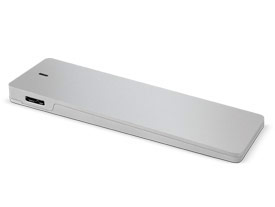
prod_envoyI ended up inheriting an unwanted/unused 128GB SSD from a Macbook Air, that just sat on my shelf for a year before I decided there had to be something to do with it. A quick search on OWC found the seemingly perfect Envoy enclosure. You just drop in an SSD, and you have a USB3 capable external drive that’s damn fast. Even better, they had one that was open box, and 15% off. Sweet! Ordered and waited.

The enclosure arrived and I quickly installed the SSD. This was pretty painless, but it did seem a bit odd as there was no mechanism to keep the SSD in place… the casing just, basically, sandwiches it. Seems like it would have been preferable to have a some type of set screw, or something to hold things in case of shock… but maybe given how light the SSD is, the chances of it actually pulling free of the connector are minimal. Also a bit annoying is they didn’t provide the torx screwdriver needed to put it together. Thankfully, I had several and it didn’t slow me down.

Once it’s screwed together, they provide some nice rubber feet to place on the bottom that cover the screws, which means taking it apart later would mean pulling those off, but that’n not a huge deal. The drive did come with a nice faux-velvet pouch to keep it in too. Nice!

Plugging it into my new Macbook Air resulted in a pretty quick format, and some fairly impressive speed tests. Uncached sequential reads/writes hovered around the 150MB/sec mark in both 4K and 256K block sizes. Random reads/writes were a bit slower with 4K reads/writes being about 20MB/sec, and 256K reads/writes about 120MB/sec. Which still blows the pants off rotational media. Though all of these are less than I would think an SSD over USB3 would be.

A quick search online turned up that with that generation of the Macbook Air, Apple used either Toshiba or Samsung drives. Where the Samsung’s performed well all over, the Toshiba’s were noticeably slower. But, given the drive was free, I’m not going to complain.

Am I happy? Absolutely. I’d highly recommend this rather inexpensive enclosure, which fits easily in my bag, to anyone with a space MBA SSD lying around. A warning, though, that apparently there are a couple different Envoy models depending on what generation MBA SSD you have. So shop carefully.

[xrr rating=4.5/5]

Filed Under: Reviews Tagged With: Envoy, OWC, SSD

« Previous Page
Next Page »

Weather

Categories / Archives

  • Apple
  • Coding
  • Electronics
  • Energy
  • Home Ownership
  • Miscellany
  • Politics
  • Prius
  • Sys Admin
  • Travel
  • Uncategorized
  • Work
  • April 2026
  • August 2025
  • April 2025
  • January 2024
  • February 2021
  • July 2020
  • January 2020
  • April 2019
  • March 2018
  • February 2018
  • June 2017
  • February 2017

Copyright © 2026 · Staze On Genesis Framework · WordPress · Log in